What's playing up at home?
Pick the problem. You get the short list of kit that fixes it and the steps to set it up yourself.
- The Wi-Fi dies upstairs
- The TV keeps buffering
- My photos only live on my phone
- If my laptop died I would lose everything
- I am giving my child their first tablet
- I look and sound rough on video calls
- One laptop screen is not enough
- My old TV has no apps
- I need a wired connection in another room
- Everything goes off in a power cut
- I worry about my accounts being hacked
- The garden office has no signal
- There are ads on every screen in the house
- I want a camera with no monthly fee
Wi-Fi and internet
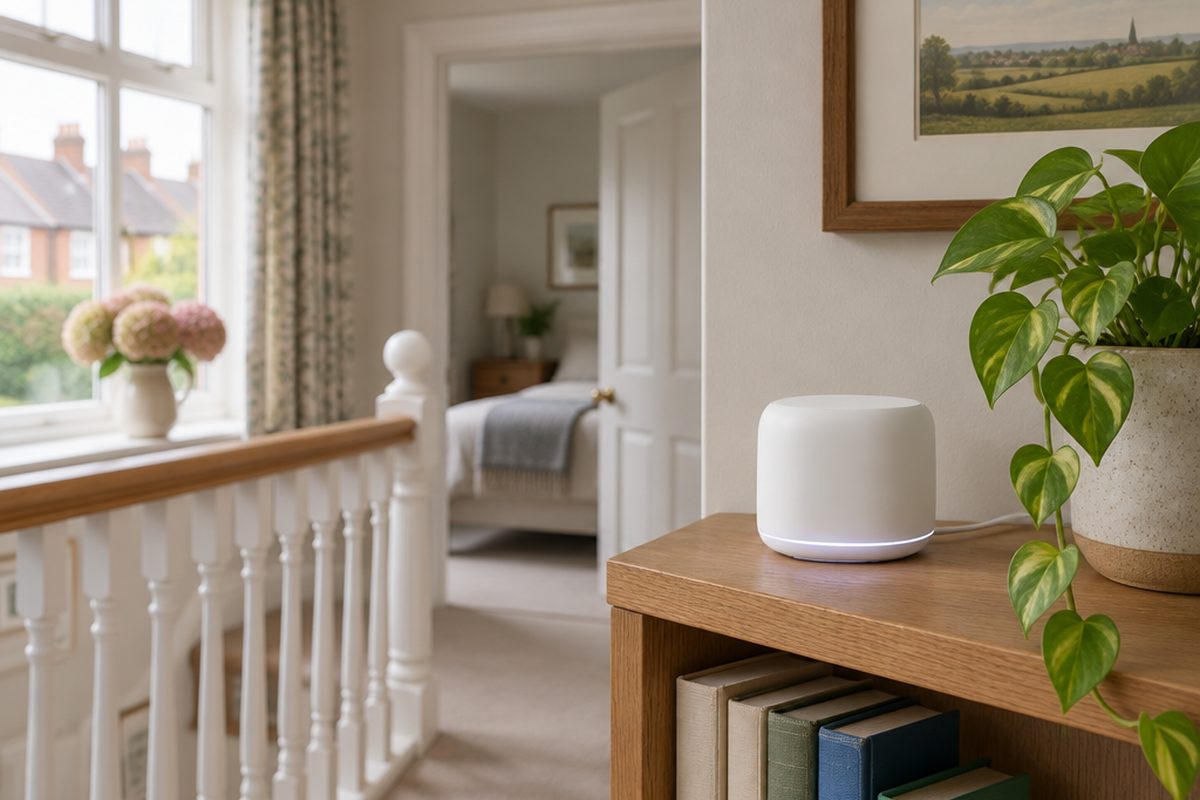
How to set up mesh Wi-Fi to fix dead spots in your home
Takes about 45 minutes. 6 steps, no experience needed.
The kit you need
- Mesh Wi-Fi system, 2 or 3 pack
- Ethernet cableoptional
- Flat Ethernet cable, 10m or longeroptional
- Small network switchoptional
Fixes people start with
The Wi-Fi dies upstairsHow to set up mesh Wi-Fi to fix dead spots in your home45 minutes
 The TV keeps bufferingHow to stop your TV buffering when you stream30 minutes
 My photos only live on my phoneHow to set up a home NAS to back up your photos automatically2 hours
 If my laptop died I would lose everythingHow to back up your computer to an external drive30 minutes
 I am giving my child their first tabletHow to set up a child's first tablet safely1 hour
All 14 guides
Each one starts with the kit list, then walks you through the setup in plain English.
Wi-Fi and internet
- How to set up mesh Wi-Fi to fix dead spots in your home45 minutesFix weak Wi-Fi upstairs or in the back room with a mesh system. What to buy, where to put each unit and how to set it up with your existing router.
 How to get a wired internet connection in another room without drilling20 minutesUse powerline adapters to carry your internet through the mains wiring to a home office, games console or TV. When it works, when it does not and how to set it up.
 How to keep your Wi-Fi and landline working in a power cut30 minutesA small battery backup keeps your router running when the power goes off. What to check on your router, which backup to buy and how to test it.
 How to get reliable Wi-Fi in a garden office or shedhalf a dayThree ways to get proper internet to a garden room: an outdoor cable, a wireless bridge or powerline. How to pick the right one and set it up.
 How to set up Pi-hole to block ads on your whole home network1 hourTurn a Raspberry Pi into a network-wide ad and tracker blocker. Kit list, install steps and router settings, in plain English.
TV and streaming
- How to stop your TV buffering when you stream30 minutesFix a smart TV or streaming stick that keeps buffering. Work out whether the problem is the Wi-Fi or the TV, then fix it with a cable or a better stick.
 How to make an old TV smart without replacing it20 minutesAdd Netflix, iPlayer and the rest to an older TV with a streaming stick. What to check on the back of the TV, what to buy and how to set it up.
Backups and photos
- How to set up a home NAS to back up your photos automatically2 hoursSet up a two-drive NAS that backs up your phone photos and computer on its own, with a simple plan for an offsite copy.
- How to back up your computer to an external drive30 minutesSet up automatic backups on a Mac or Windows PC with one external drive. What size to buy, how to switch it on and how to check you can get files back.
Home office
 How to look and sound good on video calls from home30 minutesA simple home office setup for clear video and audio on Zoom, Teams and Meet. The four bits of kit that matter and how to position them.
 How to connect two monitors to a laptop for a proper desk setup45 minutesTurn a laptop into a two-screen desk setup with one cable. How to check what your laptop supports, which dock to buy and how to arrange the screens.
Security and family
- How to set up a child's first tablet safely1 hourSet up a tablet for a child with a proper child account, screen time limits and safe volume. The kit that stops it breaking and the settings that matter.
 How to protect your email and bank logins with a security key45 minutesA hardware security key stops someone logging in to your accounts even if they have your password. Which key to buy, why you need two and how to add them.
 How to set up a home security camera with no monthly subscription1 hourSet up a home security camera that records to a memory card instead of a paid cloud plan. What to buy, where to mount it and the UK privacy basics.
No guides match that yet. Try a shorter word.

How every guide works
- Check the kit listSee what you need before you start, and what you can skip.
- Follow the stepsNumbered, in order, written for people who do not work in IT.
- Test itEach guide ends by checking the thing actually works.